Cover Practitioner Diary
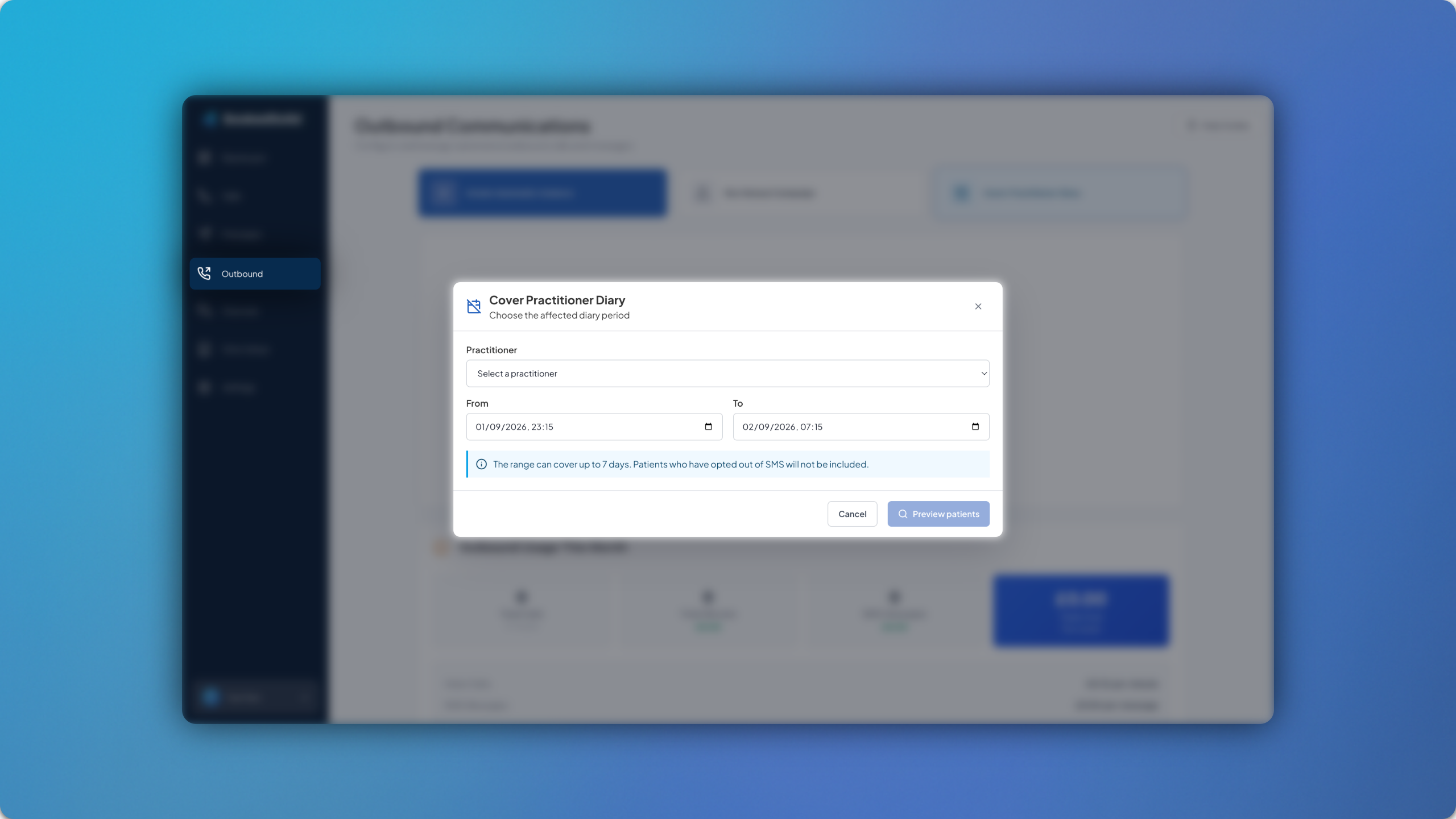
Cover Practitioner Diary sends SMS messages to patients to cover any practitioner’s diary if they can’t attend the clinic for whatever reason. 📆
To get started, head to Outbound > Cover Practitioner Dairy. Here you can select the practitioner and the time frame for which they will not be able to attend the clinic.
You can then click Preview patients and any patients who have an appointment with that practitioner within the selected window will be shown. A standard SMS template will load up, but this can be edited/adjusted as needed based on the circumstances.
Once you’re ready, click Send to X patients.