Review Requests
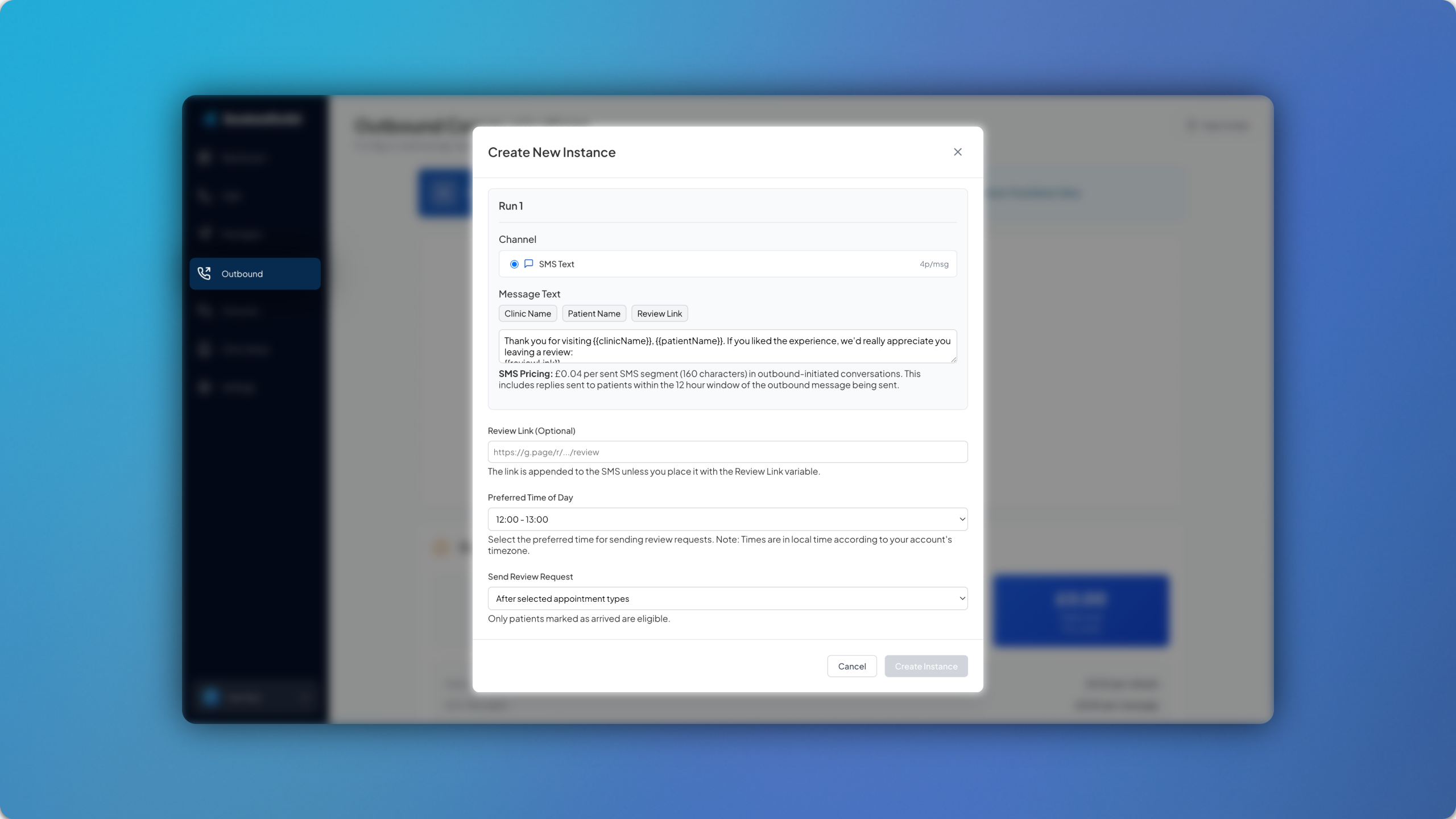
Review Requests are now live, allowing you to send automated SMS messages to patients in order to request a review from them. 🌟
To get started, head to Outbound > Create Automatic Instance > Review Requests. Here you customise the SMS message and add the review link. You can then select the time of delivery and choose whether you’d like the SMS to be sent to patients based on them either attending a specific appointment type, or after a certain number of visits to the clinic.
Once you have configured this, simply click Create Instance. The AI will then continuously check for any patients that meet the configured criteria and send them an SMS with a link to your chosen review platform.